
An island, not a window
A capsule pinned to the edge of your screen. Point at it for the four services, click it for your projects, drop files on it to ask about them.
The island
A floating launcher for developers — search your projects, open them in the right IDE and the right shell, and keep notes, requests, git, meetings and reminders one keystroke away.
XTop lives in the Windows tray, as a small capsule pinned to the edge of your screen. Click it — or press Ctrl+Shift+Space from anywhere — and a panel opens with the search box already focused.
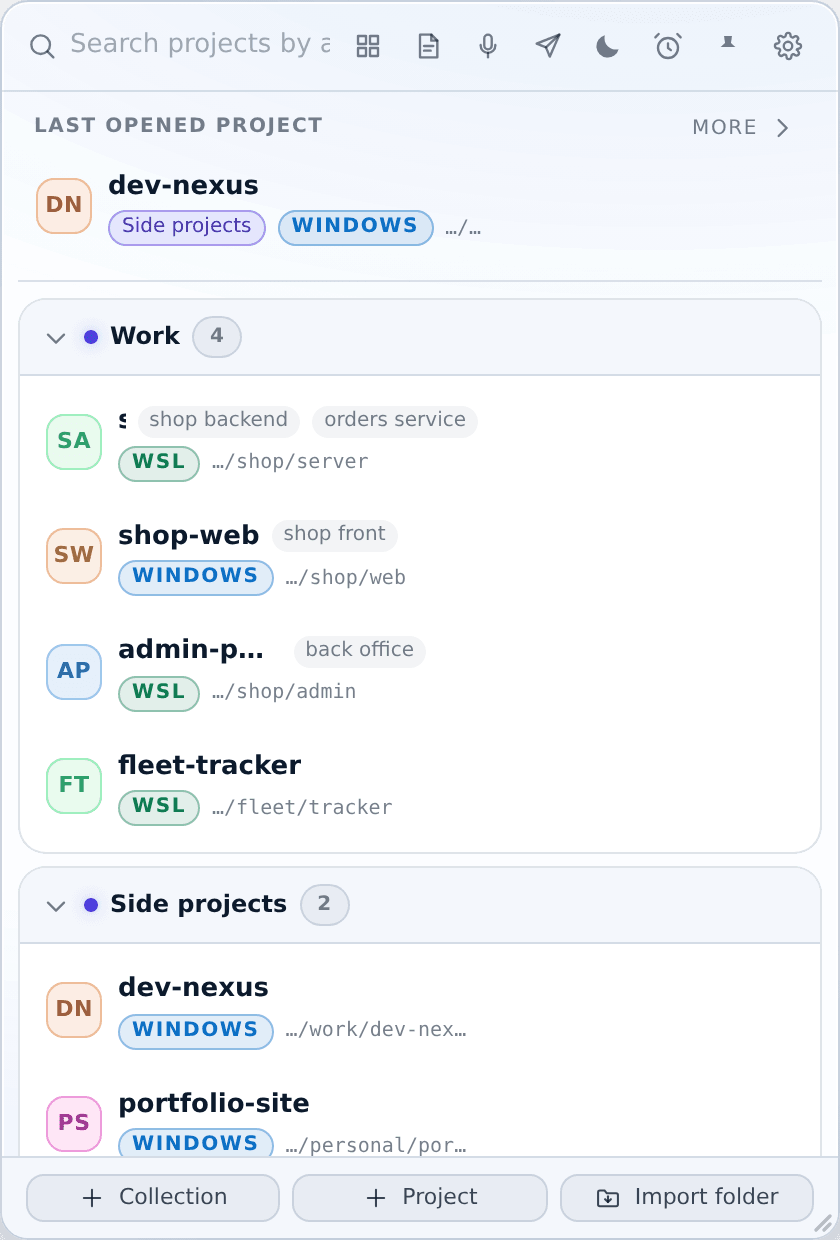
Everything else in the app is a window this panel opens: the terminal, the notes, the API tester, the meetings recorder. They share one design, one data folder, and one language setting — switch to Arabic and every window flips to right-to-left at once.
The screenshots are taken from the real app by a script, in both languages and both themes. Change the language in the top bar, or switch the site between light and dark: the pictures change with you.