
Islamic mode
Prayer alerts, and the morning and evening أذكار. Off by default; turn it on from the moon icon in the panel header.
Setting it up
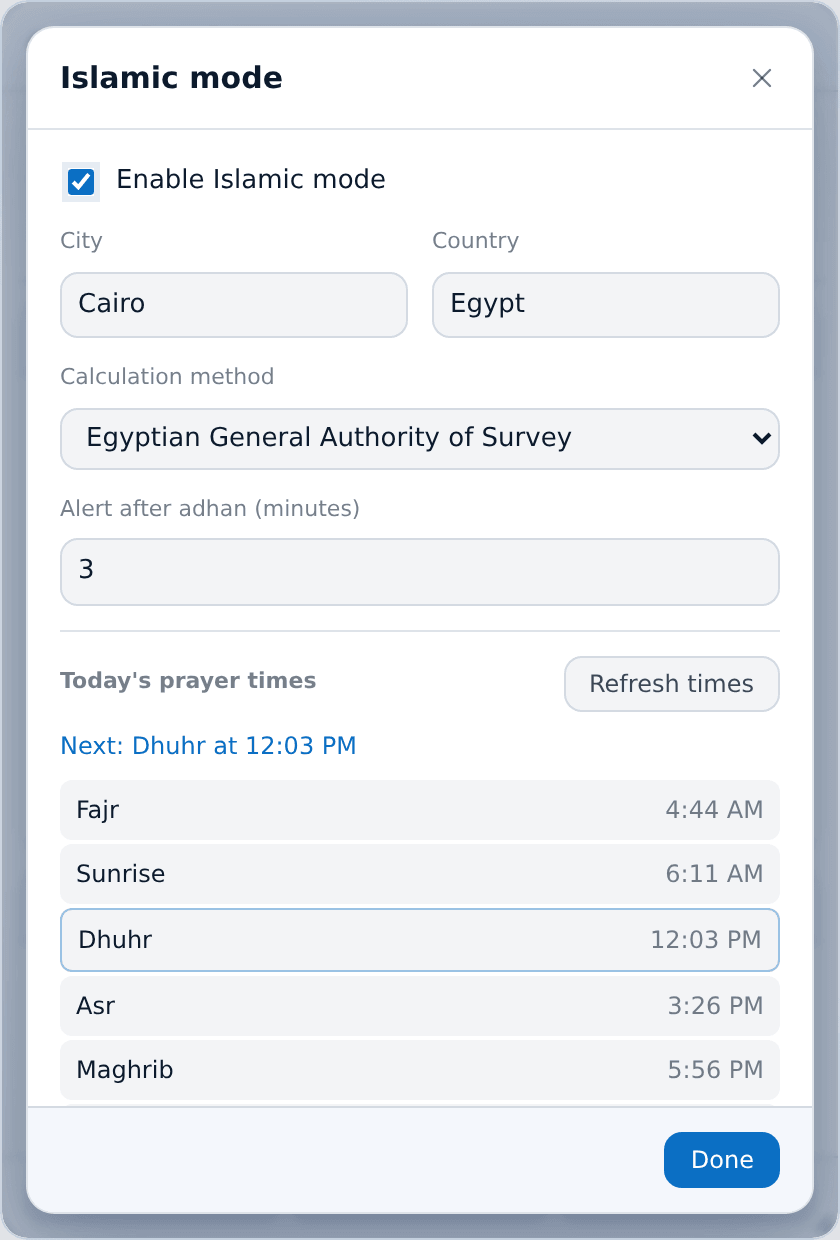
Enter your city and country — the Aladhan API turns them into coordinates — and pick a calculation method. Times are downloaded once a day and saved, so losing your connection does not stop today's alerts, and they update by themselves just after midnight.
The window also shows today's times with the next prayer highlighted, and a Refresh times button for when you have travelled.
The prayer alert
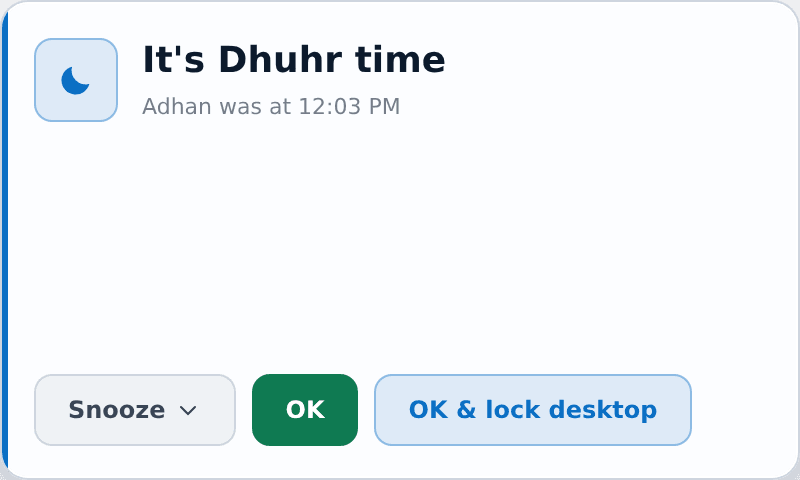
A small always-on-top card appears a few minutes after the adhan — three by default, configurable — naming the prayer and its time.
- Snooze runs away from your pointer, and gets faster each time. After three escapes it starts teasing you («طب صلي بقى 😅»), and after the fourth it gives up and stays still, so it never actually gets in your way. Snoozing shows the alert again in five minutes.
- OK dismisses it.
- OK & lock desktop dismisses it and locks Windows.
Locked, asleep, or away
No card is shown over the lock screen, and one already on screen goes away with it. The alert waits for you to come back and appears the moment you do.
Unless the prayer's time has passed by then — sunrise for Fajr, the next adhan otherwise — in which case it is dropped, so you are not greeted by an adhan from hours ago.
أذكار
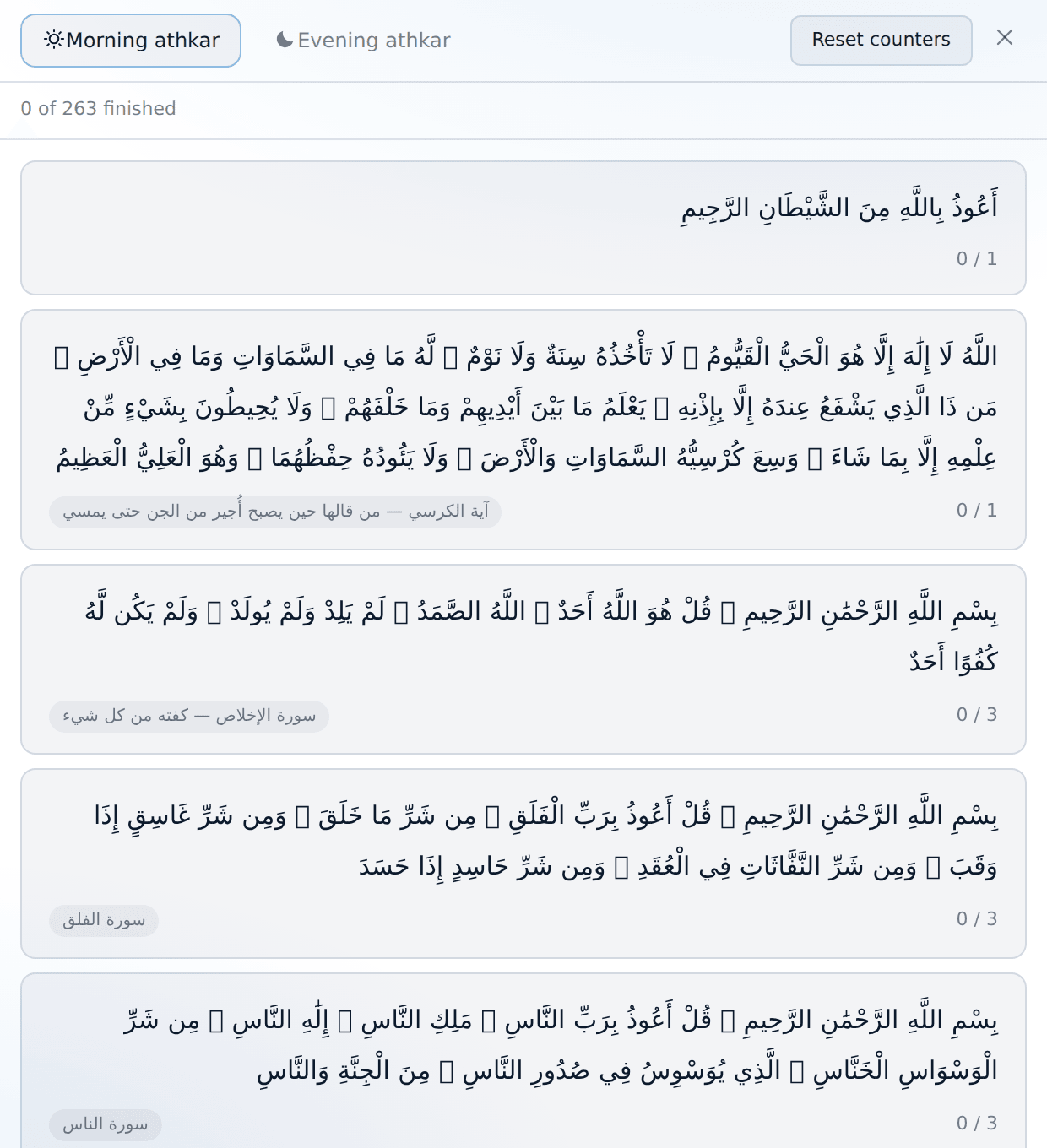
Both sets are the full ones from حصن المسلم. Open the window from the tray menu or from the moon dialog — nothing opens it on its own; it is there when you want it.
- Tabs for الصباح and المساء.
- Each dhikr has a tasbeeh-style counter: click the card to count,
↺to undo one. The card marks itself done when it reaches its count. - A progress line at the top shows how far through the set you are.
- Counters reset every day, so yesterday's progress is never counted as today's.
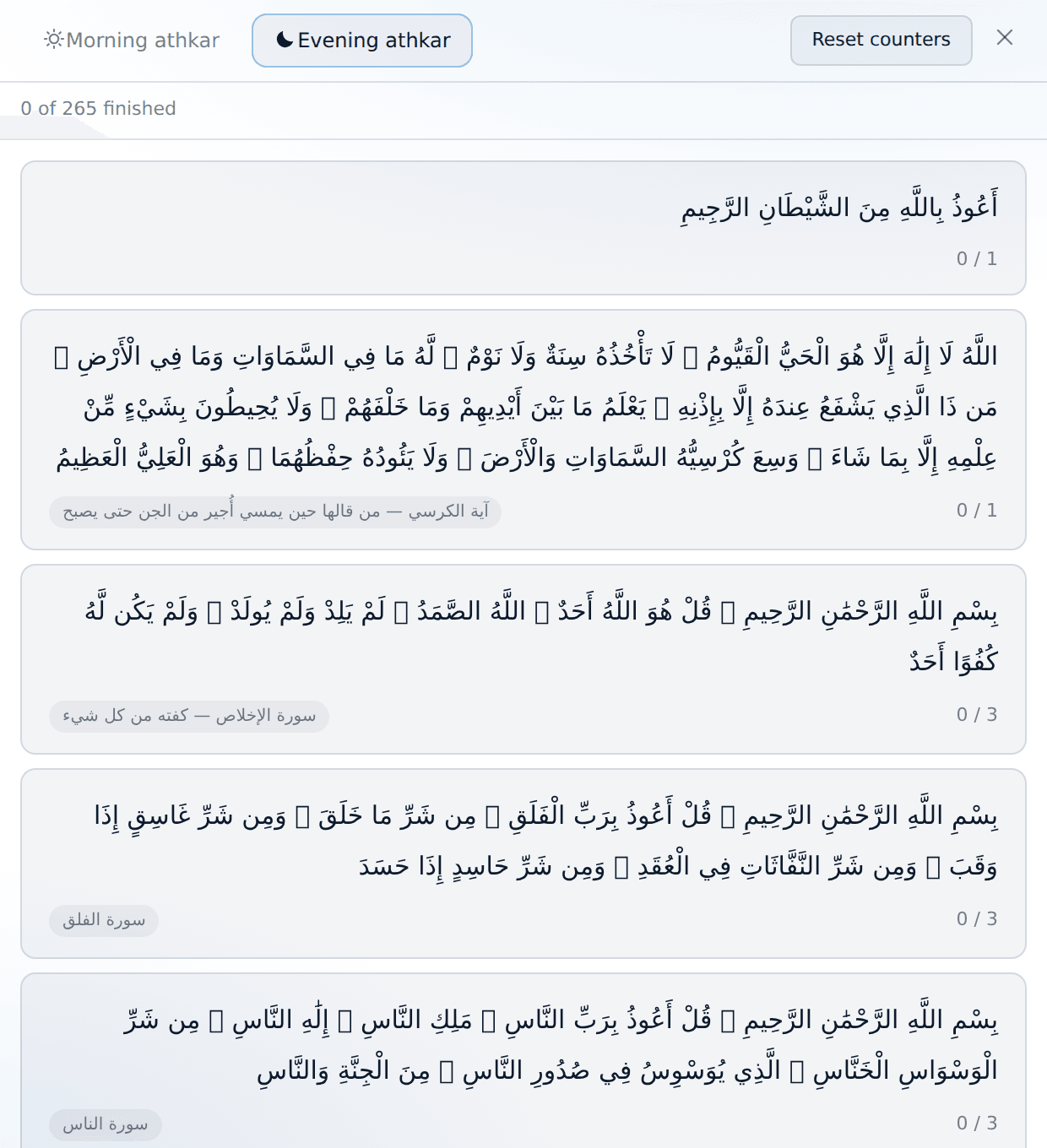
Most adhkar have the same words morning and evening. The ones that differ (أَصْبَحْنَا / أَمْسَيْنَا) have both versions, and the two that belong to only one time of day appear only there.
Sounds
The chime for prayer alerts is configured in Settings → Sounds: a built-in tone, a sound file of your own, or none at all, with its own volume and a test button.