
Notes
Two scopes in one window: a global notebook, and per-project notes.
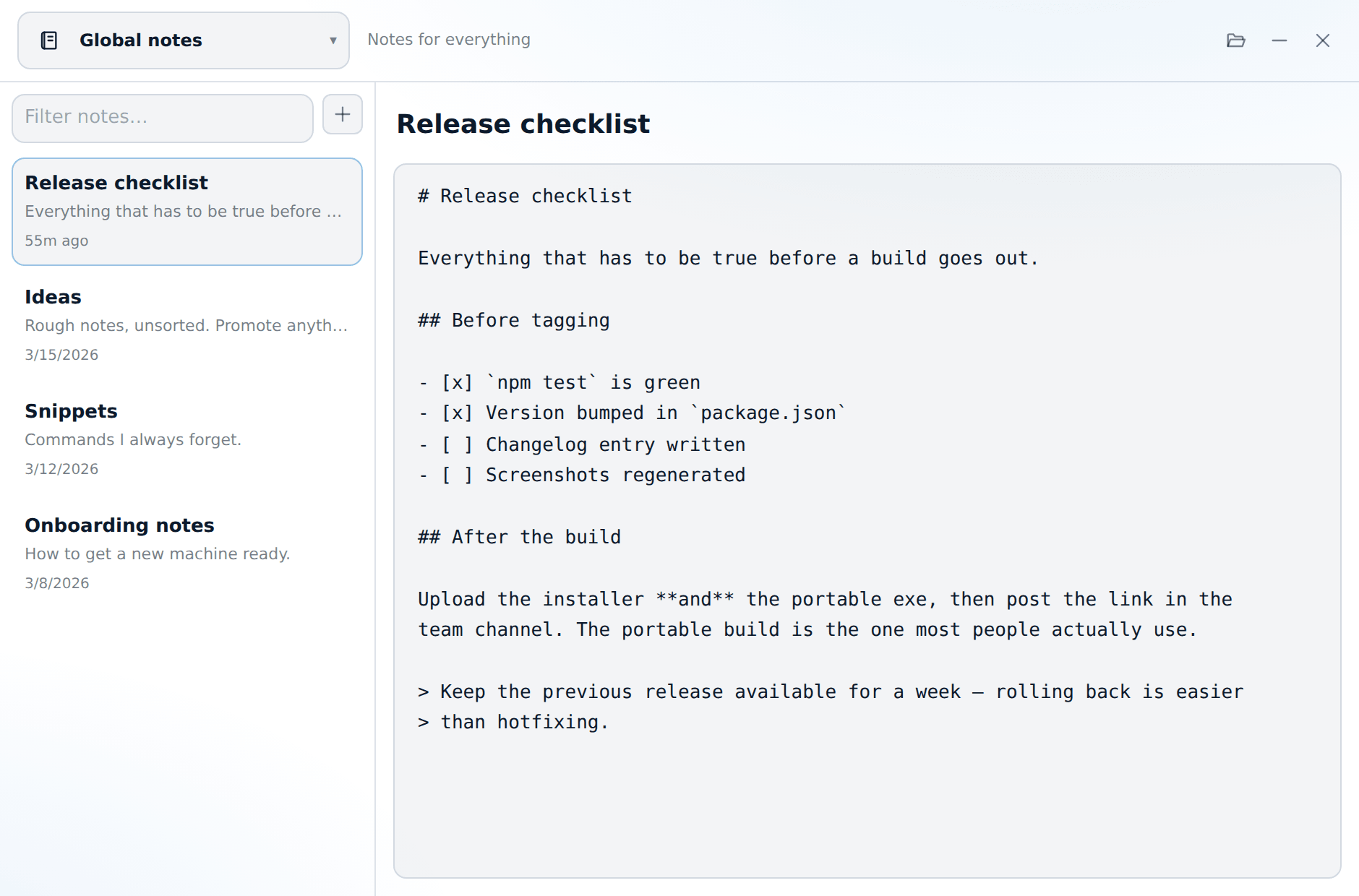
Open it from the note icon in the panel header (global scope), the note icon on a project row (that project's scope), or the tray menu.
Switching scope without leaving
The picker at the top switches between the global notebook and any project. You can type in it to search, so a long list of projects takes one keystroke instead of scrolling. The API tester and the meetings window use the same picker.
Markdown files on disk
Notes are files, not rows in a database. That is deliberate: you can back them up, sync them, grep them, or commit them.
<userData>/notes/global/<slug>.md
<userData>/notes/projects/<projectId>/<slug>.md
The folder icon opens the current scope's folder in your file manager.
Writing
- Editing autosaves after about 600 ms of quiet. Ctrl+S forces it immediately.
- Ctrl+N starts a new note.
- A note's title is its first
# heading. Renaming a note changes that heading and the file name together, so the file on disk always matches what you see in the list. - The filter box at the top of the list searches titles and content.