
Settings
The gear icon in the panel header. Every setting is saved in the app's data file and sent to every open window, so a change takes effect everywhere at once.
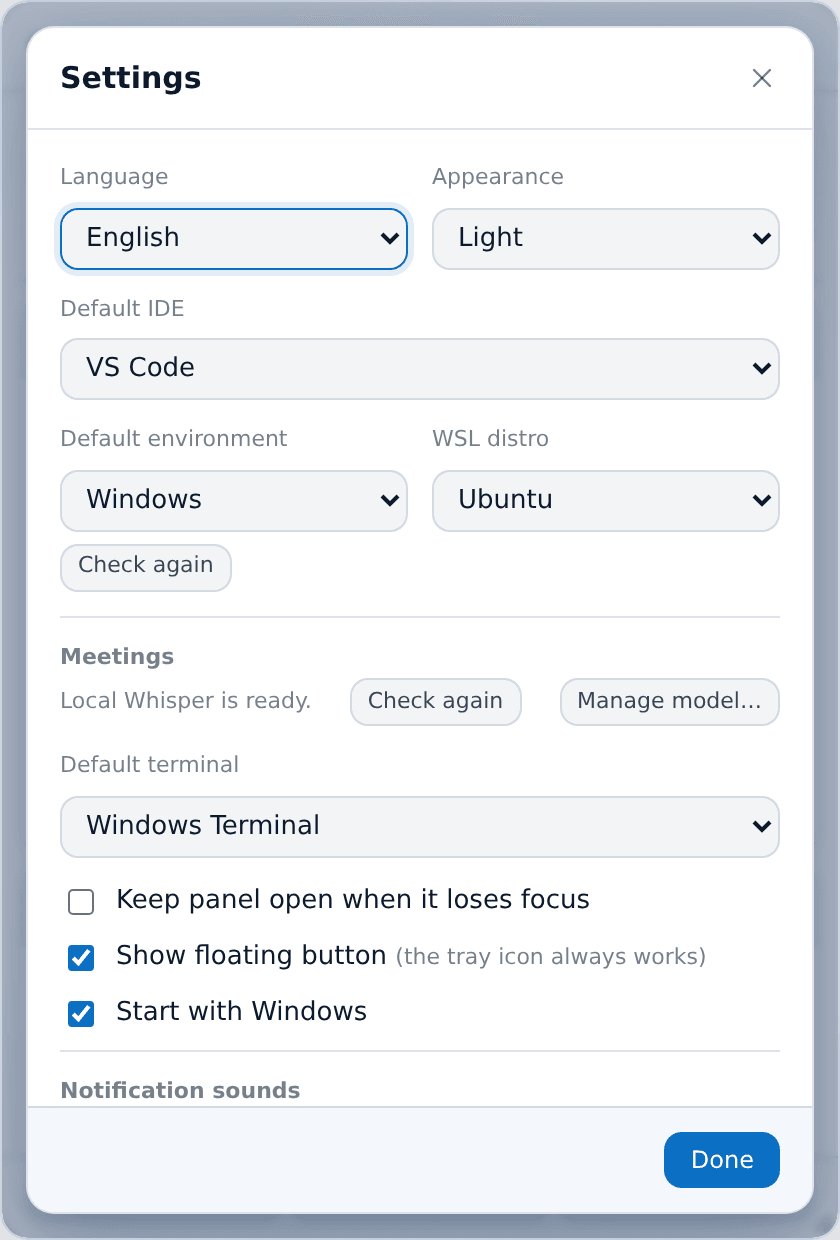
Appearance and language
| Setting | Values | Notes |
|---|---|---|
| Language | English · العربية | Switches every window immediately and flips to RTL for Arabic |
| Appearance | Match system · Dark · Light | Match system follows the Windows setting live |
Defaults for opening a project
| Setting | Values |
|---|---|
| Default IDE | VS Code · Cursor · Windsurf · WebStorm · PhpStorm · IntelliJ IDEA · Sublime Text |
| Default environment | Windows · WSL |
| WSL distro | Picked from the distros actually registered on the machine |
| Default terminal | Windows Terminal · Windows Terminal → WSL · WSL · PowerShell · CMD · Git Bash |
A project can set its own IDE and environment. These are only used for projects that do not.
What the WSL options tell you
WSL options are disabled — with the reason written out — when WSL is missing, is the Store placeholder, or has no distro set up. Check again runs the check again. A distro you chose that is no longer there stays visible and labelled, instead of being quietly replaced with a different one.
Meetings
| Setting | What it does |
|---|---|
| Transcription language | English or Arabic, passed to the transcription engine |
| (status line) | Tells you whether the local Whisper server and a model are ready |
| Check again | Checks the server and the model again |
| Manage model… | Opens the model dialog: engine, catalogue, downloads, priming text, the Python engines, and the summary provider |
| Priming text | In the model dialog. Decides which Arabic whisper writes. Leave it empty to use the built-in Egyptian text for Arabic meetings |
Everything behind that button is covered in Meetings.
Behaviour
| Setting | What it does |
|---|---|
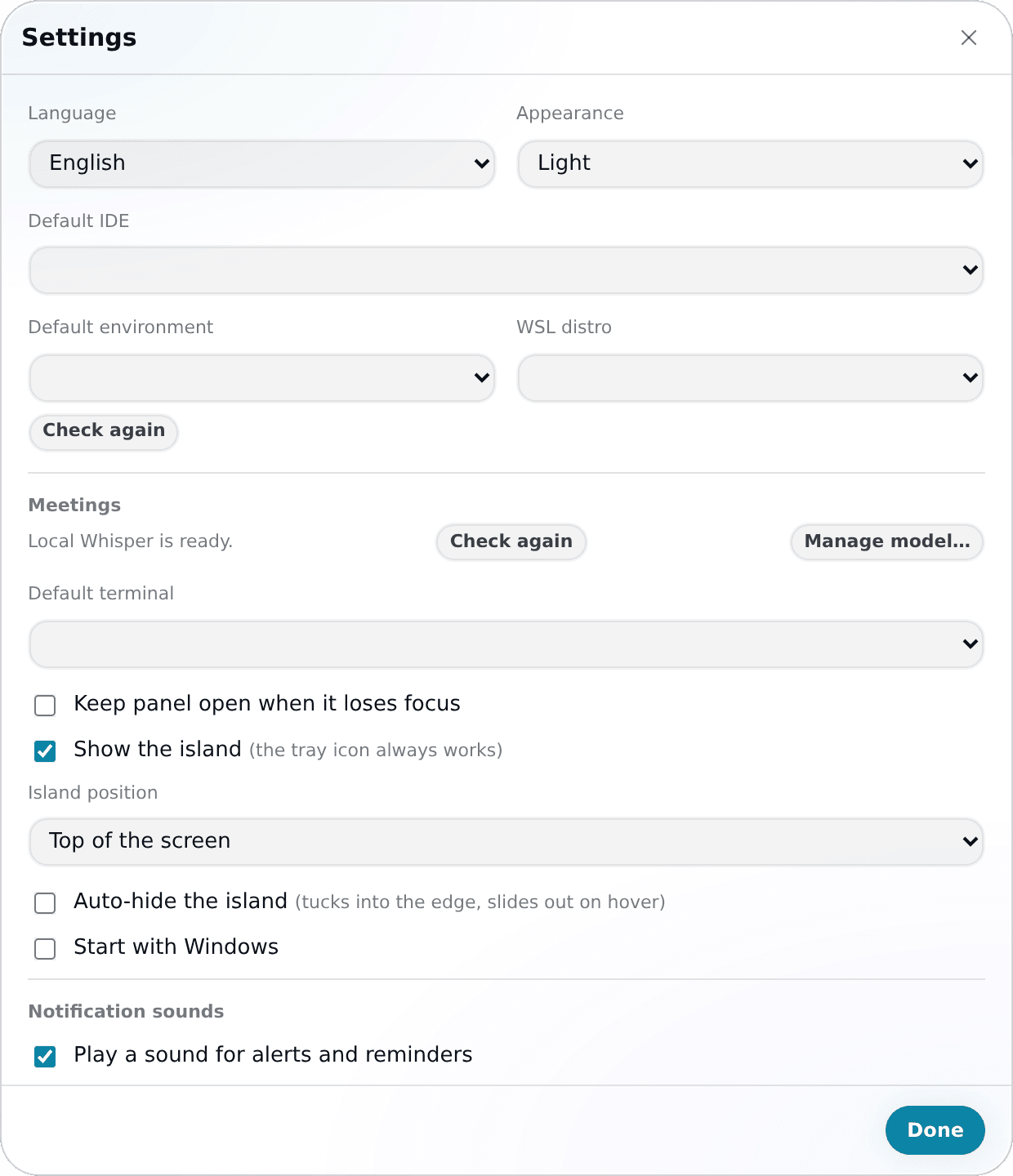
| Keep panel open when it loses focus | The same thing as the pin in the header |
| Show the island | Hides the island. The tray icon and the shortcut still work |
| Island position | Which edge it hangs from: top, bottom, left or right. Moves as soon as you pick |
| Auto-hide the island | It tucks into the edge and leaves a sliver showing; point at the sliver to bring it back |
| Start with Windows | Opens XTop when you sign in. Only in the installed version — the portable exe cannot add itself |
Sounds
| Setting | What it does |
|---|---|
| Play a sound for alerts and reminders | The master switch |
| Prayer alert | Built-in tone · a custom file · silent |
| Reminder | The same three choices, set independently |
| Test | Plays the currently chosen sound |
| Volume | Applies to both |
If nothing comes out, the dialog says so and points you at the Windows volume mixer, instead of leaving you to guess.
Backup
A short description and a Backup & restore… button, which opens the backup dialog — folder, automatic schedule, retention, and restore.
At the bottom
The main shortcut is shown for reference (Ctrl+Shift+Space), with a reminder that the app keeps running in the tray after you close the panel.